Start with a piece of work that keeps returning to your desk. 404 Human Found helps you discover relevant AI uses and turn an idea into a visible workflow, with the information, decisions and human approvals spelled out.
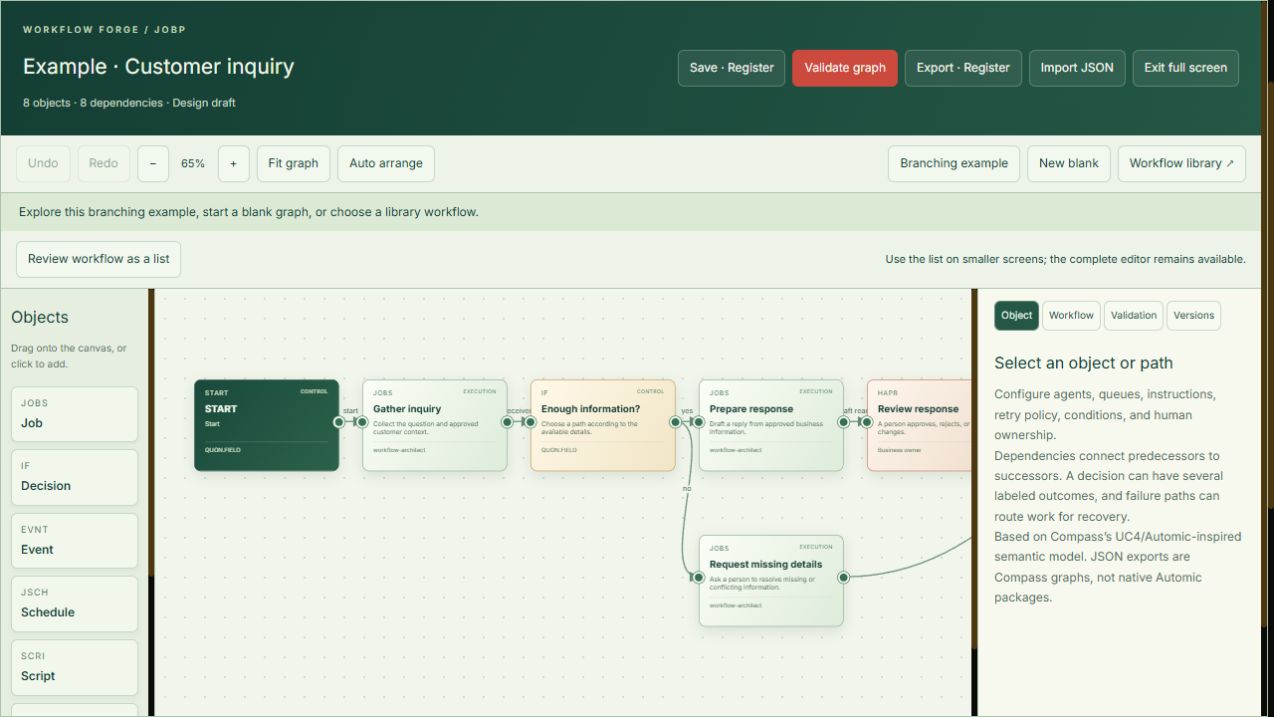
Actual public Workflow Forge editor · example customer enquiry · captured September 16, 2026 · Click to enlarge
FIND AN IDEA. SHAPE THE WORK.
Start with your business, not a blank canvas.
Find possibilities around your daily work.
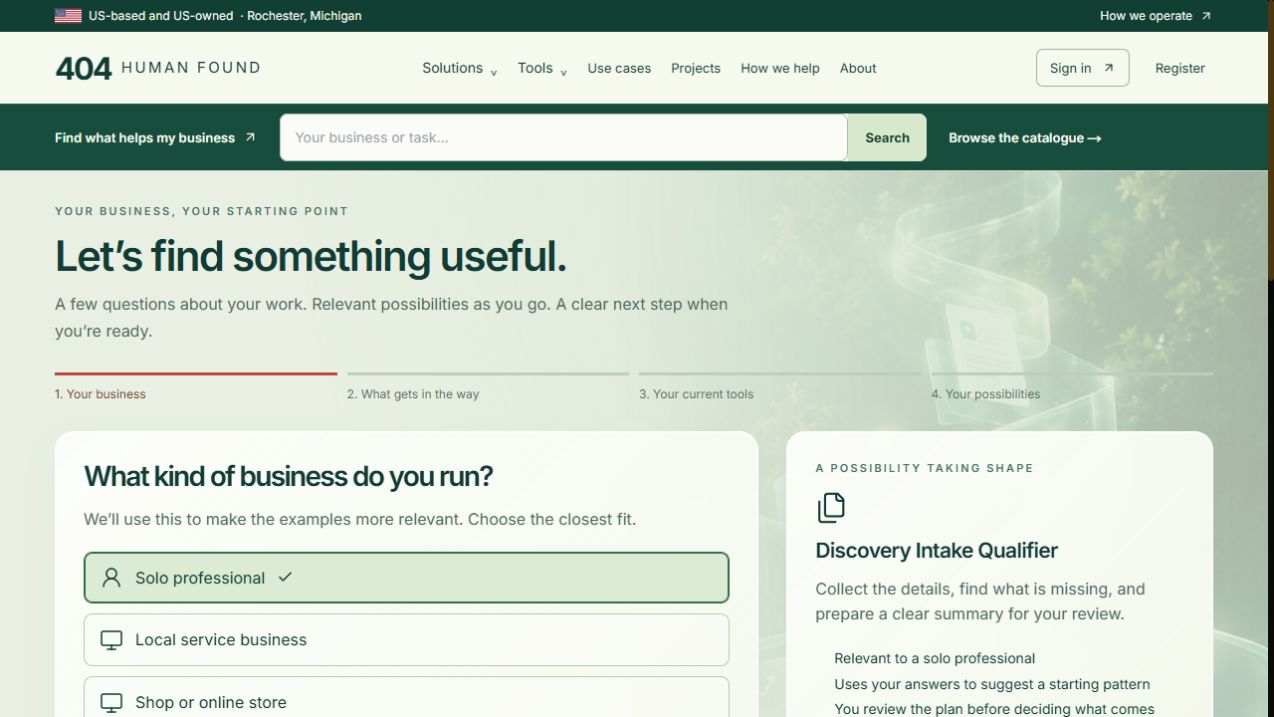
Guided discovery starts with your business type, then asks what gets in the way and which tools you use. A suggested starting pattern takes shape alongside your answers. You can explore without an account or contact details, then decide whether to continue on your own or with a person.
Public 404 Human Found interface · Captured September 17, 2026 · Open full-size ↗
Browse by business or by task.
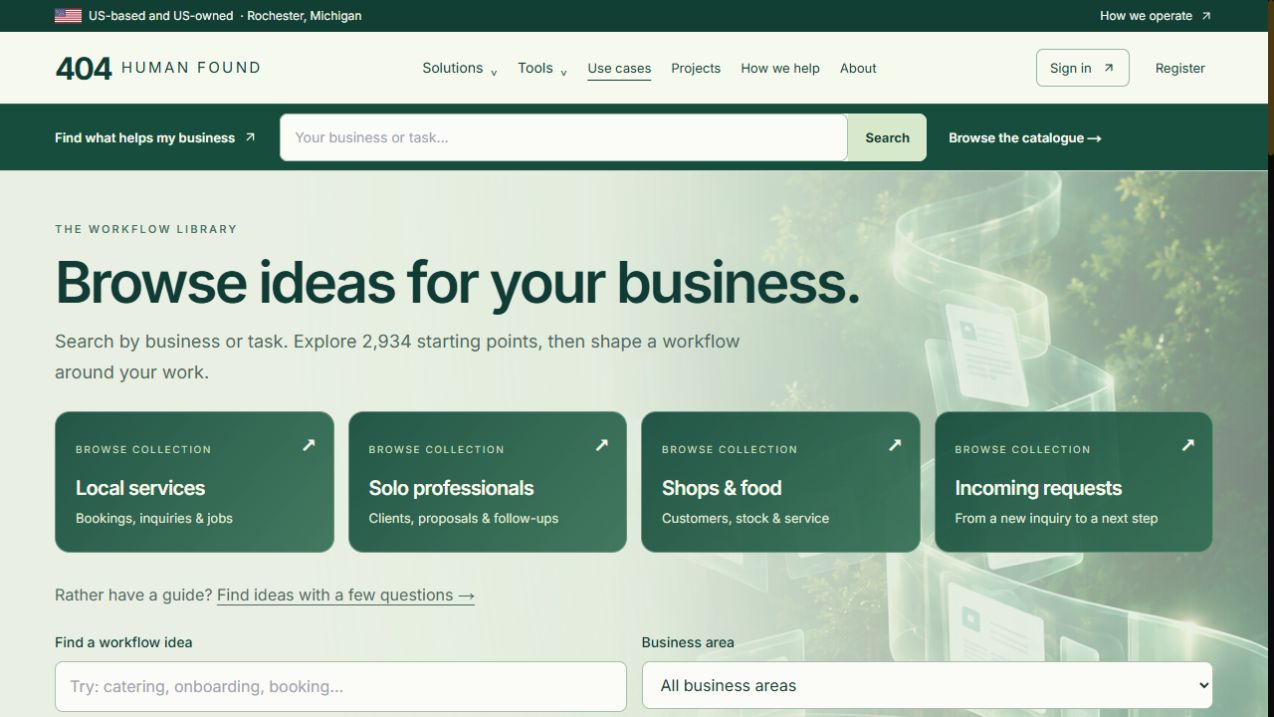
The public catalogue offers collections for local services, solo professionals, shops and incoming requests, alongside search and business-area filters. Open an idea to understand the proposed work, or take it into Workflow Forge to shape your own version. These are workflow starting points that still need your context, review and implementation.
Public 404 Human Found interface · Captured September 17, 2026 · Open full-size ↗
WHO IT IS FOR
For small businesses, solo professionals, retailers and teams exploring AI without wanting to start with technical jargon.
WHAT IS BEHIND IT
From a useful idea to everyday work.
Find a useful starting point
Browse use cases by business or task, or use the guided explorer to find ideas around your situation.
Visual Workflow Forge
Connect jobs, events, decisions, data, notifications and human approvals on a canvas. Inspect the graph as a list when that is easier.
Plan alternate paths
Show what happens when details are missing, a decision changes direction, or a person needs to review the response.
Validate the design
Use graph validation to inspect the proposed workflow. A valid diagram is a design check; it does not establish that connected services are running.
Save and take it forward
The public editor lets you explore and edit the example. Saving and exporting are marked as registration features in the interface.
Get help implementing
Discuss information readiness, tool choices, setup, testing and support. Implementation and connections are scoped around your business.
A PRACTICAL EXAMPLE
Follow the work.
A customer enquiry arrives with missing details. The example branches to request more information, prepares a response when the details are sufficient, and routes that response to a person for review.
Illustrative scenario, not a customer outcome claim.
01Choose a real recurring task
02Map information, decisions and human review
03Agree the connections, test and implement
What to know before you start
Workflow Forge is a design and validation workspace. The public example does not connect accounts or execute actions. A catalogue idea is a starting point, not an already deployed automation.
Product information reviewed against the public 404 Human Found site ↗ on September 17, 2026. Visit the product for current availability and terms.
The tool is one part. Getting it working is the other.
QUONtech can help you define the problem, choose a starting point, connect the right systems and prepare your team. Start with one piece of work and agree what a useful result looks like.